






If you do not yet have an AMarkets account, you’ll first need to fill out the form on the homepage and click the Open Account button.
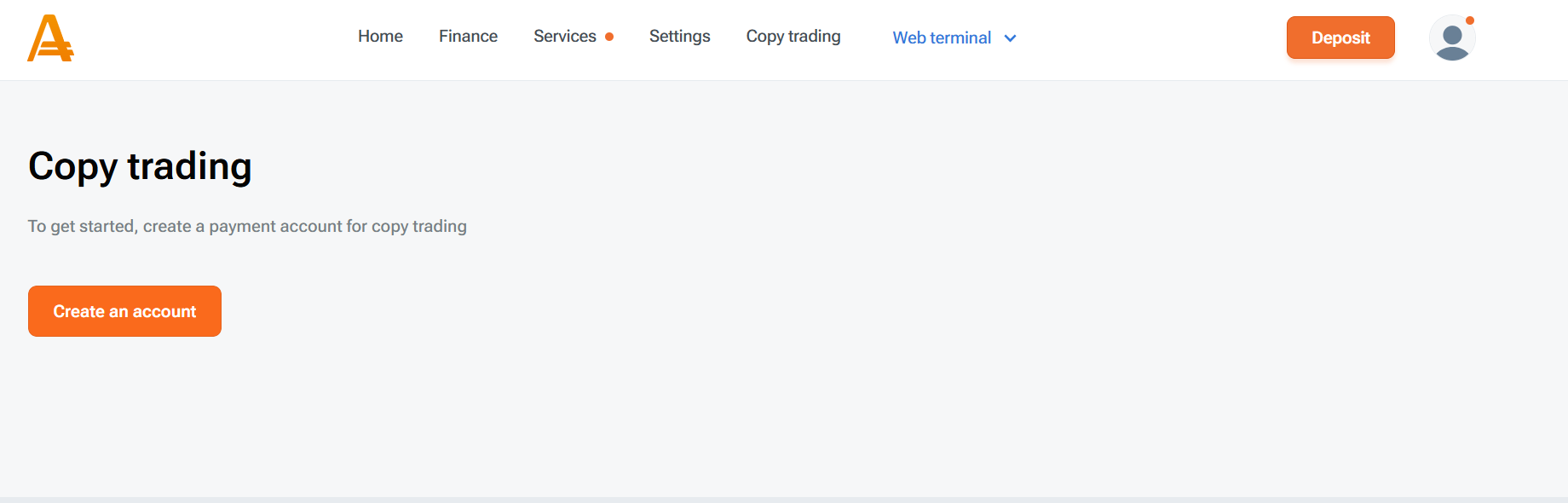
1. If you already have an AMarkets account, go to the Copy Trading section and click Create an account in your AMarkets account. A payment account will be automatically created for accessing the copy trading platform and for deposit/withdrawal operations.
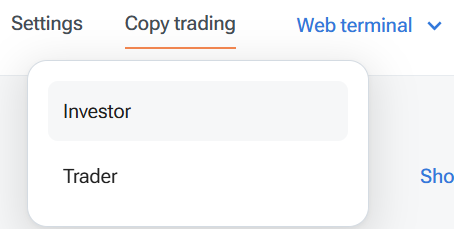
2. Once the payment account is opened, an investment account will also be automatically created for you. In the Investor section, you can browse the available strategy rankings.
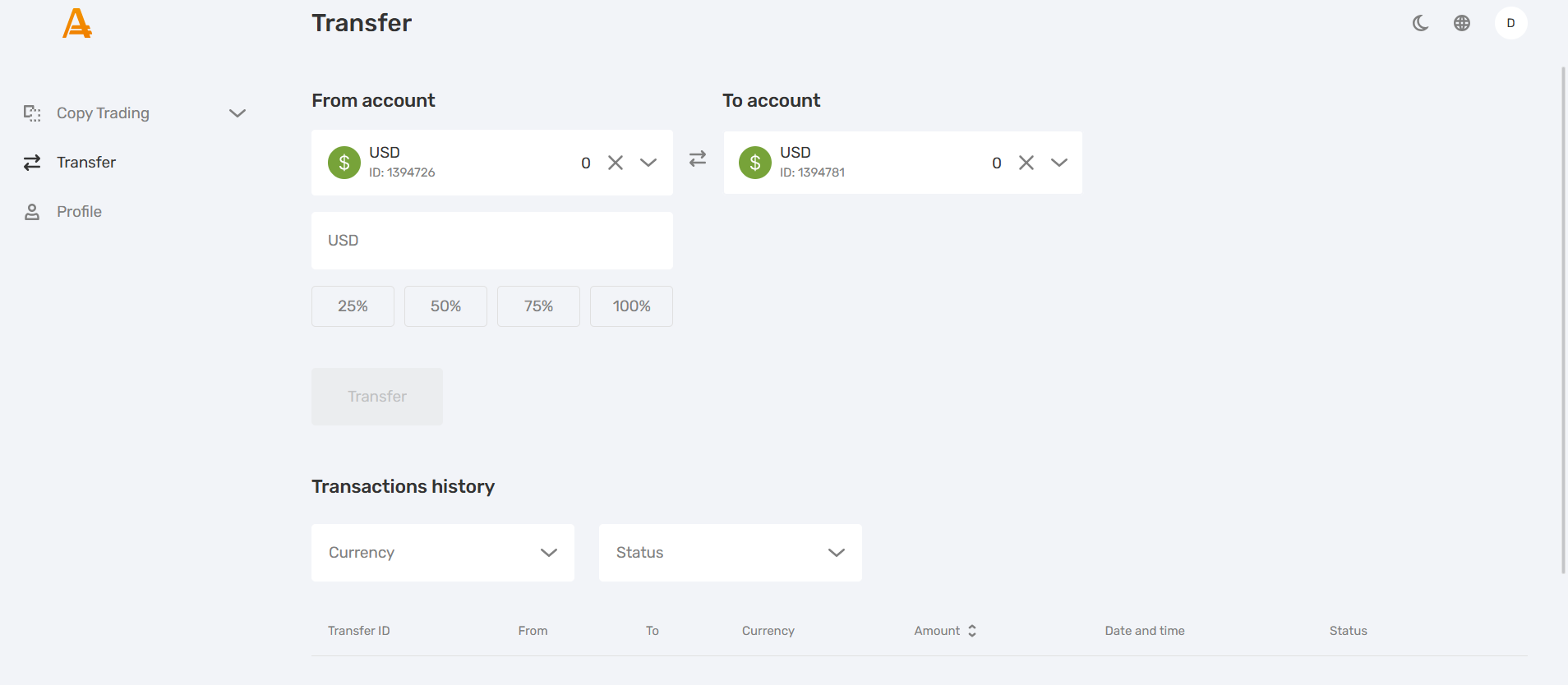
3. Top up your payment account directly or via an internal transfer from other accounts, then click Copy Trading. Go to My Accounts, select your investment account, click Deposit, and enter the deposit amount.
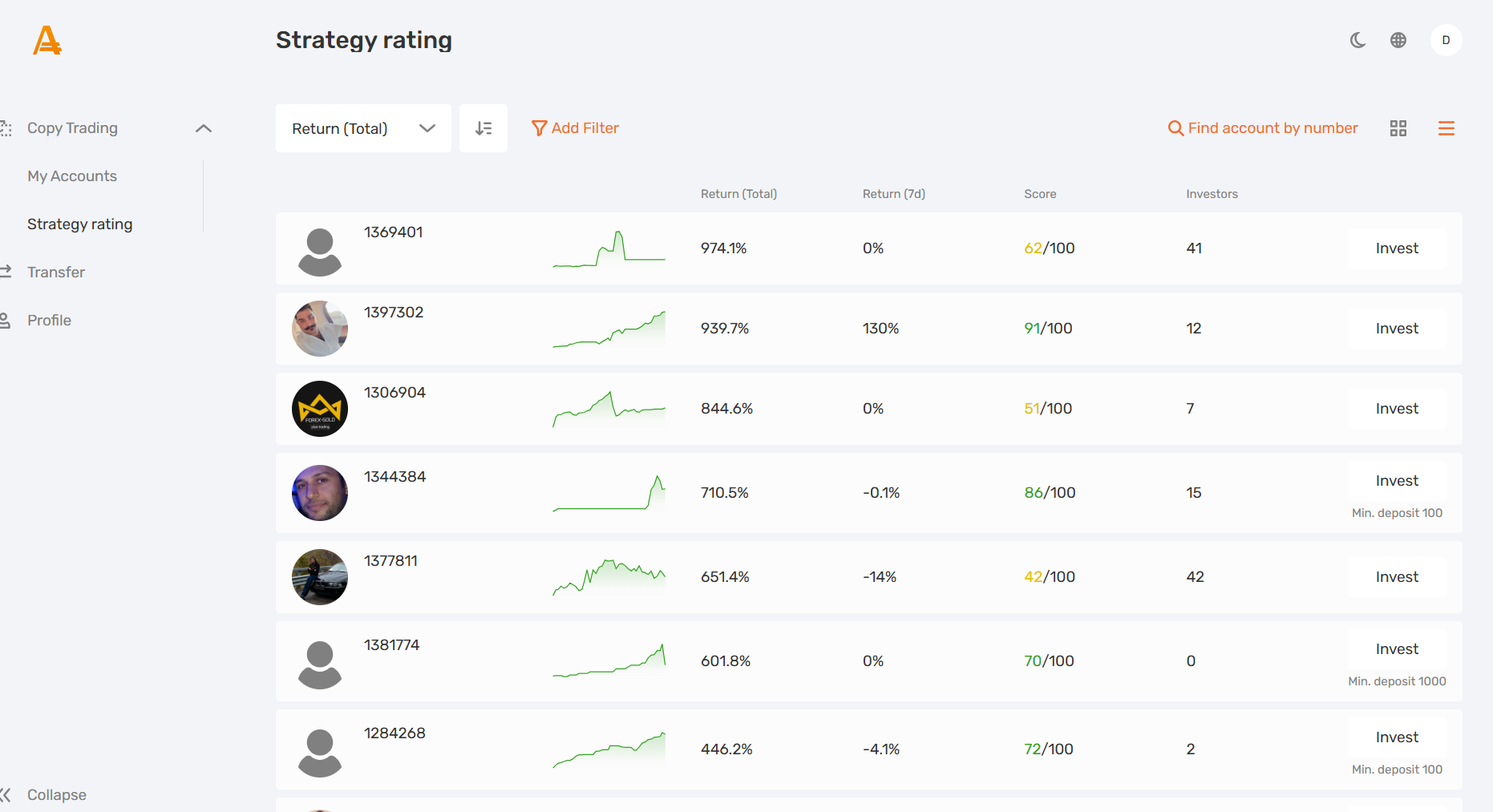
4. Next, navigate to Copy Trading => Strategy Rating, choose a strategy and click Invest. Review the strategy offer, confirm that you have read the terms of the copy trading service, and click Invest.
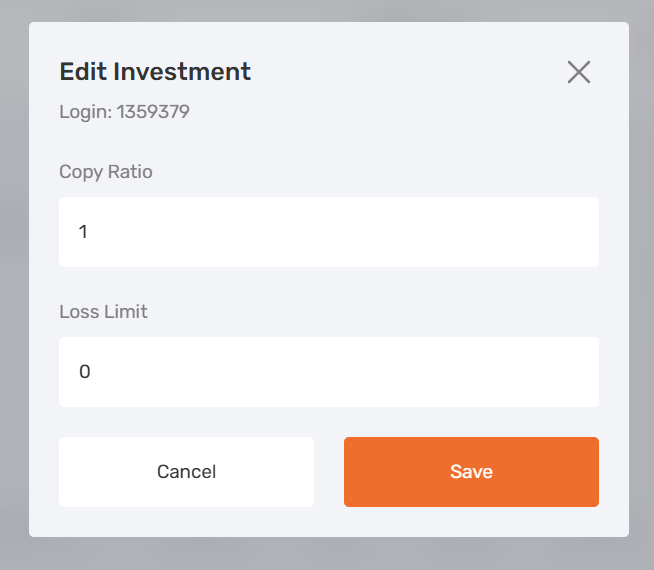
After investing, you can adjust the copy ratio and set a loss limit in Copy Trading => My Accounts => My Investments. Select the investment, choose Investments, click on “…” and choose Edit Values to change the parameters. Don’t forget to save the changes.
You can monitor your investment statistics in the Statistics subsection.