






You can transfer funds between your AMarkets accounts using the Internal transfer option.
To do that:
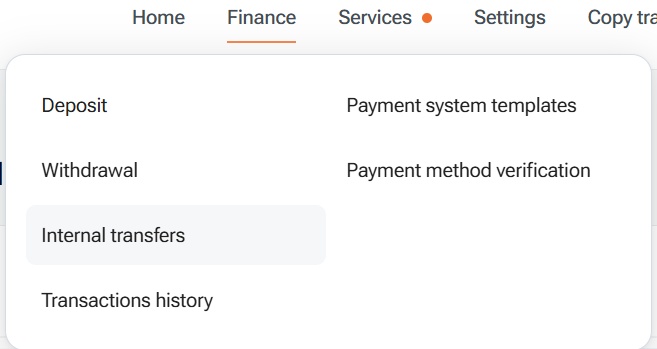
1. Go to the Finance section of your AMarkets account and select Internal transfer.
2. Choose Sender and Receiver account, then enter the desired amount.
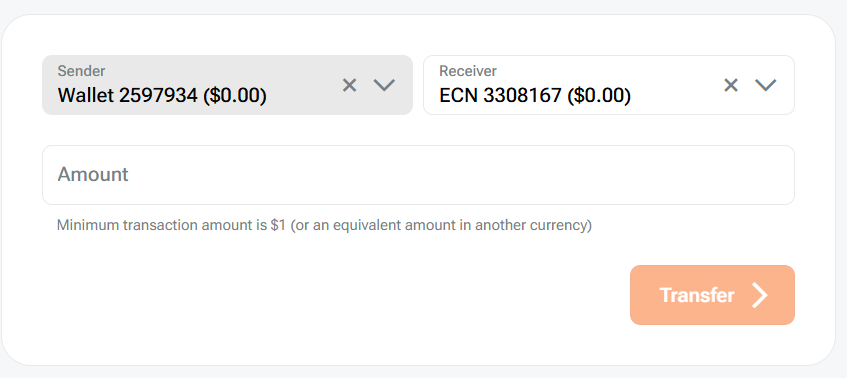
3. Click Transfer.
Important note!
- The maximum number of transactions per currency pair per day (00:00 – 23:59 UTC) is 2.
- The maximum total transfer amount per currency pair per day (00:00 – 23:59 UTC) is 1000 USD equivalent.
- Please note that the exchange rate applicable at the time of transfer will be displayed on the transfer page.